
As a seasoned flight simulation enthusiast, I’ve learned that the right controller changes everything. It doesn’t matter if you’re flying a commercial airliner or a fighter jet. The controller you pick affects how real the experience feels and how well you control the plane.
In this article, we’ll look at the top controller options for Microsoft Flight Simulator. We’ll help you find the perfect setup to improve your virtual flying skills. We’ll cover everything from gamepads and joysticks to yokes and throttle quadrants. We’ll talk about what makes each controller special, its benefits, and what the flight simulation community recommends.
Key Takeaways
- Precision and control are key when picking the best controller for Microsoft Flight Simulator
- HOTAS (Hands On Throttle And Stick) setups are highly recommended for the most immersive and accurate flying experience
- Joysticks with extra features like throttle sliders, twist functions, and hat switches make flying more realistic
- Yokes and throttle quadrants give a more realistic feel for civilian or non-combat flying but need more space and cost
- Rudder pedals are crucial for smooth turns and advanced flying, but setting them up takes extra effort
Introduction to Controller Options for Microsoft Flight Simulator
Choosing the right controller is key to a realistic flight simulation in Microsoft Flight Simulator. The controller you pick affects your control, precision, and fun. This guide will cover the different controllers available, their main features, and benefits.
The Importance of Choosing the Right Controller
When picking a microsoft flight simulator controller, the choice matters a lot. The right one boosts your control, precision, and immersion. This makes flying more fun and real. But, the wrong one can make flying hard and ruin the game.
Overview of Different Controller Types
Microsoft Flight Simulator has many flight simulation peripherals, like gamepads, joysticks, throttle quadrants, and rudder pedals. Each has special features for different players and needs. We’ll look at the gaming controllers for flight sims and their perks.
| Controller Type | Key Features | Advantages |
|---|---|---|
| Gamepads | Ergonomic, compact design; familiar layout | Accessible for casual players; suitable for basic flight controls |
| Joysticks | Precise control; customizable buttons and axes | Enhances control and immersion for serious flight simulation enthusiasts |
| HOTAS (Hands-On Throttle and Stick) | Separate throttle and stick controls; advanced features | Provides a more realistic and immersive flight experience |
| Yokes and Throttle Quadrants | Replicates the controls found in real-world aircraft | Delivers the most authentic and realistic flight simulation experience |
| Rudder Pedals | Allows for precise control of the aircraft’s heading | Enhances the overall control and realism of the flight simulation |
Your choice of controller for Microsoft Flight Simulator depends on what you like, your skill level, and how real you want it to feel. Whether you’re new or a pro, there’s a controller that fits your needs and makes flying fun.
Gamepads and Controllers
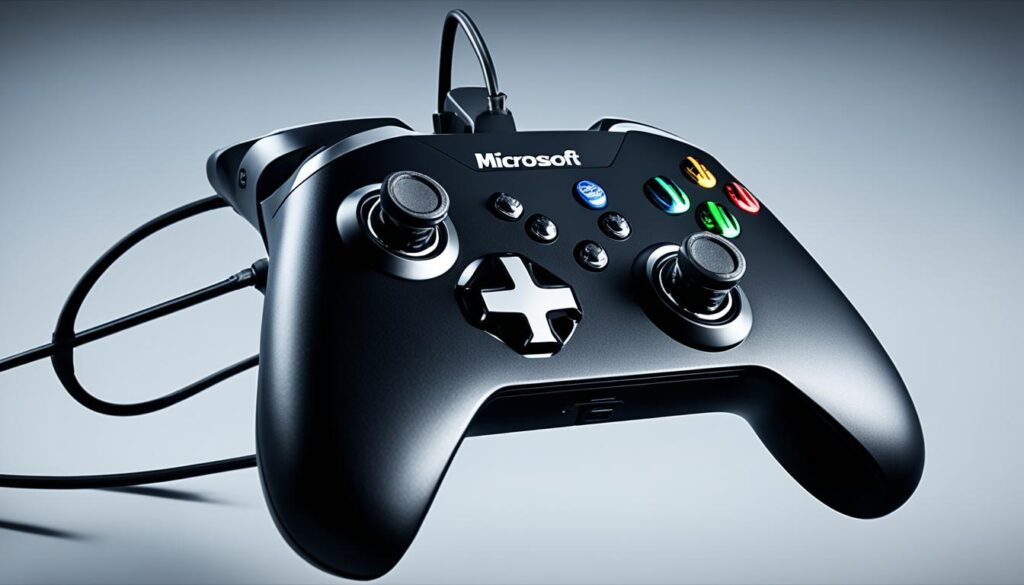
Microsoft Flight Simulator is known for its realism, but gamepads and traditional controllers are also good for some players. They make it easier for beginners to start, especially those new to flight simulation.
Controllers like the Xbox and PlayStation ones are easy to use and familiar. They have many buttons and sticks that can be set to different game functions. This makes them good for flight simulation too.
For a deeper experience, there are flight sim controllers made just for the job. The Hori HOTAS Flight Stick for PlayStation 4 is one example. These controllers mix the ease of gamepads with the precision of flight sim gear.
These controllers might not match the high-end flight gear in precision or realism. But they still offer a fun and accessible way to play for those who value ease and familiarity more.
| Product | Price |
|---|---|
| Thrustmaster HOTAS Warthog | $529.99 |
| Turtle Beach VelocityOne Flight | $379.95 |
| Thrustmaster TCA Yoke Pack Boeing Edition | $499.99 |
| Hori HOTAS Flight Stick for PlayStation 4 | $199.99 |
| Thrustmaster T.Flight HOTAS X | $274.00 |
| Logitech Extreme 3D Pro Joystick | $34.55 |
| Thrustmaster TCA Sidestick Airbus Edition | $69.99 |
| Logitech X56 HOTAS RGB Throttle and Stick Controller | $263.39 |
| Thrustmaster TFRP Pedals | $166.99 |
These gaming controllers might not be as precise as top-tier flight sim gear. But they still offer a great experience for those who prefer ease and familiarity over detailed control.
microsoft flight simulator best controller
For a real flight simulation feel in Microsoft Flight Simulator, a joystick or HOTAS (Hands-On Throttle and Stick) is key. These controllers give you better control and precision. They let you feel like you’re flying a real plane. There are many options for beginners and pros that can make flying more fun.
Benefits of Using a Joystick or HOTAS
Joysticks and HOTAS systems have big advantages over gamepads or keyboard/mouse. They give you a more natural way to control the plane. This means you can make small changes and do complex moves easily.
Popular Joystick and HOTAS Options for Flight Simulation
For the best joysticks and HOTAS for Microsoft Flight Simulator, some models really stand out. Here are a few top picks:
- Logitech G Pro Flight Yoke System: A great yoke setup that makes flying feel real.
- Thrustmaster HOTAS Warthog: A top-notch HOTAS system that’s very realistic and durable.
- Honeycomb Aeronautical Alpha Flight Yoke and Bravo Throttle Quadrant: A high-end yoke and throttle combo for great control.
- Turtle Beach VelocityOne Flight Control System: A flexible and customizable HOTAS that works well with Microsoft Flight Simulator and other simulators.
When picking the best joystick or HOTAS, think about your budget, quality, and what you want from your flight simulation. This will help you choose the right one for you.
Yokes and Throttle Quadrants
Using yokes and throttle quadrants can make your Microsoft Flight Simulator experience feel real. These controllers mimic the controls of real aircraft, giving you a true sense of flying.
Advantages of Using Yokes and Throttle Quadrants
Yokes and throttle quadrants bring many benefits to your flight sim setup. They offer a natural way to control the aircraft, just like in real life.
- The Honeycomb Alpha yoke and Bravo throttles are top picks for simmers.
- The Fulcrum One yoke is a top-quality choice, priced around £480, offering a more realistic feel than the Honeycomb Alpha.
- The Thrustmaster Boeing yoke with a throttle unit is a good alternative, balancing quality between the yoke and throttle.
Yokes and throttle quadrants also boost your flight sim’s realism and immersion. They make you feel like you’re really flying an aircraft. This is great for those wanting a more realistic and engaging experience.
| Controller | Price | Features |
|---|---|---|
| Honeycomb Alpha Yoke | N/A | Good choice for flight simulators |
| Honeycomb Bravo Throttles | N/A | Good choice for flight simulators |
| Fulcrum One Yoke | ~£480 | High-quality option, surpasses Honeycomb Alpha in feel and realism |
| Thrustmaster Boeing Yoke with Throttle | N/A | Alternative to Honeycomb Alpha and Bravo, tradeoff in quality |
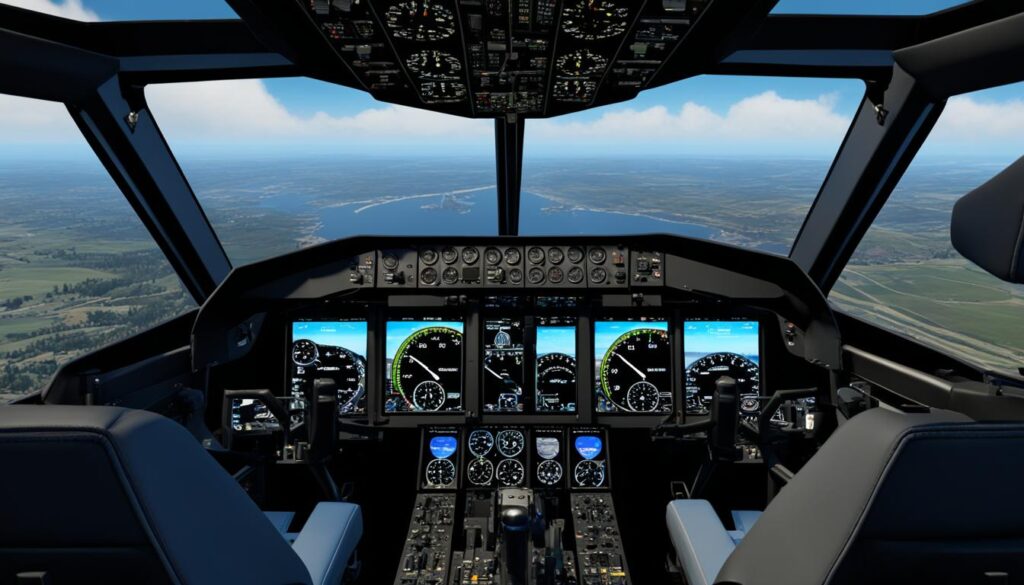
Rudder Pedals and Head Tracking
To dive deep into Microsoft Flight Simulator, think about getting rudder pedals and head tracking tech. These tools make flying in the game feel more real and give you better control.
Rudder pedals let you control the plane’s yaw with precision. This means smoother turns and better control during landing and complex moves.
Head tracking lets you look around the cockpit like you would in a real plane. It helps you see what’s around you, check your instruments, and stay aware during flights.
When setting up your flight sim accessories, look at the Thrustmaster’s TCA Quadrant Airbus Edition. It has everything you need in one, including rudder pedals and a throttle quadrant. This setup makes flying more enjoyable and immersive.
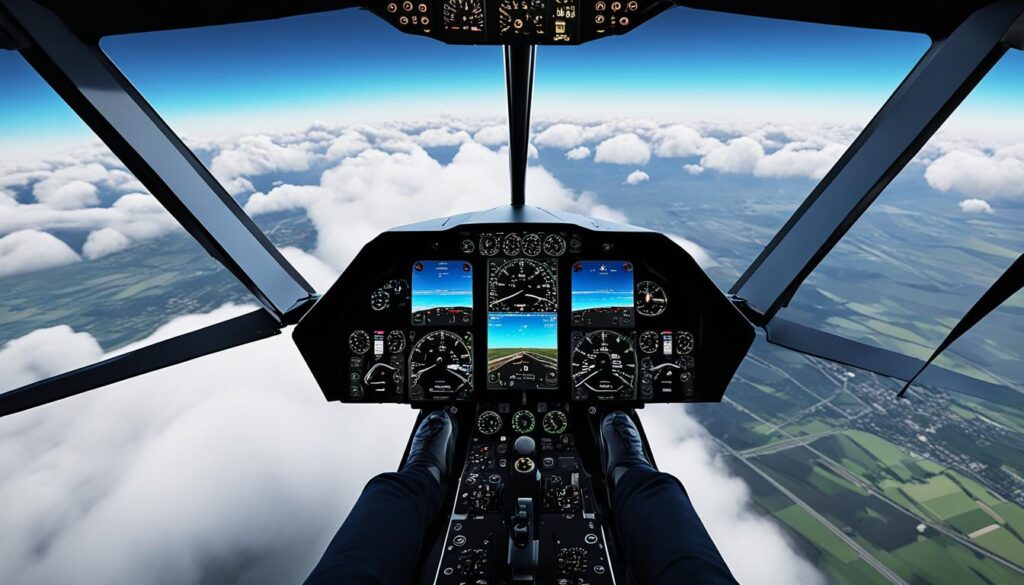
“The added realism and control that rudder pedals and head tracking provide can truly transform your Microsoft Flight Simulator experience. These accessories are well worth the investment for serious virtual pilots.”
If you love flight simulation or are just starting, adding rudder pedals and head tracking will take your experience to the next level. Check out the many options available and pick the best ones for your flying style.
Virtual Reality and Force Feedback
Microsoft Flight Simulator gets even better with VR headsets and force feedback controllers. VR headsets make you feel like you’re really in the cockpit, giving you a unique flying experience. Force feedback controllers add real touches like feeling the plane shake or the controls moving in your hands.
VR fans love being able to look around the cockpit and use the controls naturally. But, setting up VR can be tricky. Some pilots use voice commands with tools like VoiceAttack to interact with the game without breaking the VR.
The Thrustmaster Warthog joystick is great for pilots, especially for flying helicopters or in bush flying. The Winwing Orion 2 HOTAS is also a top choice for VR setups. But, some pilots have had issues with the Honeycomb Alpha yoke, like quality problems and trouble with warranty claims. Some find the Honeycomb setup hard to use because it takes up a lot of space.
For a full simulation experience, adding a motion platform like the NLR ‘cockpit’ with a v3 motion base can change everything. This setup is perfect for flying in VR, offering a super realistic feel.
Virtual reality and force feedback take Microsoft Flight Simulator to new levels, giving you unmatched presence and control. With the right gear and setup, your flight simulation will be incredibly realistic.
| Component | Description | Cost |
|---|---|---|
| Motion VR Cockpit Simulator | Custom-built DIY motion platform project | $430 (approx. 10% of off-the-shelf system) |
| Total DIY Rig | Includes PSU, lumber, bolts, nuts, and washers | $510 |
| Equivalent Off-the-Shelf Rig | Similar components and functionality | $4,213 |
| Motion System Components | 2x 12V motors, 180 WATTS (.24 HP), 50:1 gear ratio, 60NM torque | N/A |
Building a custom motion platform for flight simulation saves a lot of money compared to buying one. It also lets you tailor your simulation for a more immersive experience.

“The custom-built motion platform offers an enhanced level of realism and immersion compared to conventional flight simulation setups.”
Setting Up and Configuring Controllers
Setting up your controllers right is key for a great experience in Microsoft Flight Simulator. You need to check and adjust the controls by moving them fully in and out several times. This shows how important it is to calibrate them well. The steps to set up controllers differ based on your Windows version. There are specific guides for Windows 10, older Windows 11, and Windows 11 with the May 2023 update and later.
Tips for Configuring Different Controller Types
Microsoft Flight Simulator 2020 requires you to bind controls for the throttle, mixture, propeller, flaps, and trim. This shows how complex it can be to assign functions to different parts of the controller. X-Plane’s setup guide stresses the need to calibrate the throttle, mixture, propeller controls, and trim wheel. It also advises to ignore any unused Axis during calibration. It’s crucial to make sure one controller controls the throttle, mixture, trim, and prop controls to avoid conflicts. This means you can’t have duplicate bindings.
Calibrating a Full-Size Trim Wheel means moving it from one end to the other several times. This shows how important it is to calibrate special controllers well. For the FlightSimStuff Controller, you need to move an Axis and turn the trim wheel enough to make sure it’s detected correctly. In Microsoft Flight Simulator 2020, you have to find controls like Throttle, Mixture, Propeller, Flaps, and Trim to bind them to the controller correctly. This shows how detailed the setup process is.
rgp1942 used the Thrustmaster T16000M joystick, TWCS Throttle (HOTAS), and TFRP Rudder Pedals in simulators like DCS, AFS2, Prepar3D, and FSX. Some users found setting up controllers in MSFS 2020 challenging. somethingbrite said the setup is more complex than in other software. Controllers in MSFS 2020 have their own settings, letting users save many custom setups for each device. But, you can’t share, save, or export these settings for controllers in MSFS 2020 because they’re saved online.
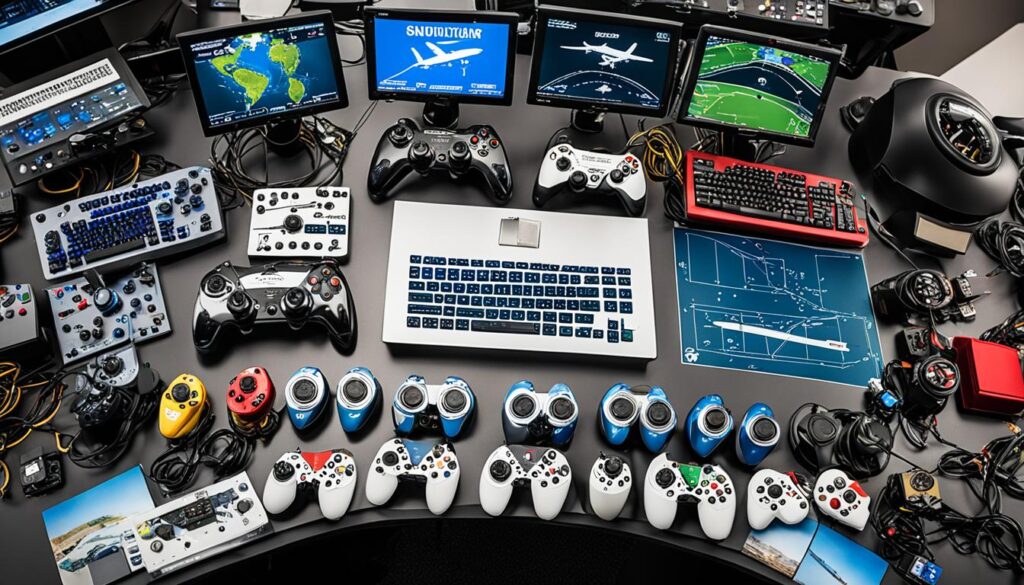
User CYA007 had trouble adjusting the controller settings to play the game on Xbox.
By following these tips and guidelines, you can make your controller settings for Microsoft Flight Simulator better. This will make your flight simulation more immersive and fun.
Balancing Realism and Accessibility
Choosing the best controller for microsoft flight simulator controller options is tricky. It’s all about finding the right mix of realism and ease of use. This section looks at how different controllers meet the needs of both experts and beginners in flight simulation.
The flight sim controller accessibility market is small, with not many products out there. This means fewer players and higher prices because making and shipping these products isn’t cheap. But, companies like Virtual Fly, VKB, Virpil, WinWing, and others are growing, even if they’re still small.
Big names like Thrustmaster have hit it big with their durable designs, like the Warthog range and TPR pedals. Honeycomb Aeronautical is also known for quality yokes and throttles, but sometimes they’re hard to find. This competition means there are many options, letting players pick how realistic they want their flight sim to be.
Flight and space simulators are back in style, helping small companies grow and making more affordable parts for fans. These companies aim to make products on a large scale to stay profitable and keep prices low. The flight simulator market is niche, which affects what products are available and how much they cost.
Choosing a controller for microsoft flight simulator controller options is about finding the right balance. It’s for both experts and new players. By knowing the market and the options out there, players can pick what fits their needs and skills best. This way, everyone can have a great time flying in the simulator.

Conclusion
Choosing the best controller for Microsoft Flight Simulator is a personal choice. It depends on your experience, playstyle, and realism level. You can pick from gamepads, joysticks, yokes, throttle quadrants, VR, and force feedback. This way, you can find the perfect setup for your virtual flying needs.
Maybe you like the Thrustmaster T-Flight Stick X for its comfy design. Or perhaps the Logitech G X56 H.O.T.A.S. with its dual throttle for better control. Or the Thrustmaster TCA Sidestick Airbus Edition with its advanced tech.
It’s important to pick the best controllers for microsoft flight simulator that fit your needs and budget.
Looking at the summary of controller options and their features, you can set up a setup that makes you feel like you’re really flying. The choice is yours, and with so many options, you can find the perfect controller for your Microsoft Flight Simulator adventures.,
FAQ
What are the best controller options for Microsoft Flight Simulator?
What are the benefits of using a joystick or HOTAS setup for Microsoft Flight Simulator?
What are the advantages of using yokes and throttle quadrants in Microsoft Flight Simulator?
How can complementary accessories like rudder pedals and head tracking improve the Microsoft Flight Simulator experience?
How can virtual reality (VR) headsets and force feedback controllers enhance the Microsoft Flight Simulator experience?
How can I properly set up and configure various controller types for Microsoft Flight Simulator?
How can I find the right balance between realism and accessibility when choosing a controller for Microsoft Flight Simulator?
Source Links
- https://forums.flightsimulator.com/t/controller-keyboard-or-flightstick/607448
- https://www.polygon.com/microsoft-flight-simulator-guide/2020/9/2/21374072/should-i-buy-a-flight-stick-xbox-controller-what-to-buy-best-control-scheme
- https://www.pcmag.com/picks/the-best-flight-sticks-for-microsoft-flight-simulator
- https://www.pilotsofamerica.com/community/threads/best-joystick-for-ms-flight-sim.10713/
- https://forums.flightsimulator.com/t/controller-upgrades/617876
- https://www.thrustflight.com/best-flight-simulator-controls/
- https://forums.flightsimulator.com/t/yoke-throttle-discussion/534567
- https://forums.flightsimulator.com/t/all-controllers-on-1-usb-hub-or/634928
- https://flightsimcoach.com/blog/easy-home-flight-simulator-setup-guide/
- https://forums.flightsimulator.com/t/does-anyone-have-more-recommendations-for-transitioning-from-controller-in-vr-to-yoke-throttle-pedals-in-vr/623862
- https://forums.flightsimulator.com/t/home-built-motion-vr-cockpit-a-whole-new-immersion-level-for-msfs-on-a-budget-video/540967
- https://flightsimstuff.com/pages/microsoft-flight-simulator-2020-controller-setup
- https://forums.flightsimulator.com/t/controller-setups/445316
- https://forums.flightsimulator.com/t/why-is-there-so-little-choice-in-control-hardware/438041
- https://gamerant.com/best-joysticks-microsoft-flight-simulator-2024/
- https://forums.flightsimulator.com/t/joystick-recommendations/425230?page=4
- https://flightsimcoach.com/blog/microsoft-flight-simulator-on-xbox/