
I remember the day I first stepped into a flight simulator. The excitement was high as I held the yoke, noticing all the buttons and switches. Suddenly, everything else disappeared, and I felt like I was flying high, my senses fully engaged in the virtual experience. This moment started a journey that changed how I see flying and handling airplane controls on a PC.
Simulators like Microsoft Flight Simulator and X-Plane have changed how we learn and experience flying. A 2023 survey by Navigraph found that 71% of simmers prefer Microsoft Flight Simulator (MSFS). These platforms let you practice flying safely and easily, from basic flying to complex maneuvers and emergencies.
Key Takeaways
- Flight simulators let you learn at your own pace, starting with the basics before moving to harder skills.
- A remote flight instructor can help you through the simulator, preventing bad habits from forming.
- Simulators are a safe place to practice flying, navigating, and handling emergencies like engine failures.
- They offer detailed simulations of aircraft systems, like avionics and autopilot, to help you understand the cockpit.
- The type of flight simulator, controllers, and setup greatly affect how realistic and functional your flying experience is.
Learning the Fundamentals with Flight Simulators
Flight simulators are key for those wanting to learn flying basics. They let you practice flying at your pace, doing things like climbing and turning safely. These tools are great for learning the basics of flying.
Mastering Basic Maneuvers
Simulators offer a safe space to improve your flying skills. You can practice takeoffs, landings, and flying in different weather. They come with many lessons to help you learn each flying move step by step. This is especially useful for new pilots who might feel overwhelmed by the amount to learn and the flying’s physical demands.
Learning with a Remote Instructor
One big plus of flight simulators is getting help from a remote instructor. These experts can stop you from picking up bad flying habits, like not using the right flying tools. With their help, you learn to fly right, setting a solid base for your future flying training.
Mastering the basics in a simulator prepares you to become a skilled pilot. You’ll be ready to move on to more complex flying tasks.
“Flight simulators are truly excellent for mastering the fundamentals of flying.”
Practicing Procedures on Flight Simulators
Flight simulators are a big deal for learning flight procedures. You can take your time with the preflight checklist, understanding each step. They’re great for practicing normal and emergency procedures, like engine failure or flying by instruments. You can also work on navigation, tuning aids and flying routes, all safely.
Preflight and In-Flight Procedures
Flight simulators let you practice preflight and in-flight steps safely. You can go through the preflight checklist carefully, knowing what each step means. During the flight, you can try out emergency situations or follow IFR plans without risking a real plane.
Navigation and Instrument Procedures
Flight simulators are perfect for practicing navigation and instrument flying. You can work on tuning aids and flying specific routes, improving your skills safely. Many users suggest using custom weather settings or turning off traffic to focus on landing.
Flight simulators are great for pilots at any level. They help you improve your skills and feel more confident with flight procedures. This technology prepares you for real-world flying challenges.

“The more you practice your procedures in a simulator, the more natural they will become when you’re in the air.”
Mastering Landings with Flight Sims
Mastering landings is a key part of flying, and flight simulators are great for it. They let you practice stabilized approaches and touchdowns in a safe space. This practice improves your skills in adjusting pitch, power, and trim, which helps in real flying.
Stabilized Approaches and Touchdowns
Flight simulators let you practice landings in different conditions, like crosswinds and on various runway sizes. Repeating these practices builds your muscle memory and decision-making skills for smooth landings. Tools like the E6B flight computer help with crosswind landings. You can also practice low approaches in tough wind conditions, getting ready for real-life challenges.
Virtual Reality for Depth Perception
Virtual reality (VR) headsets take your landing practice up a notch, especially for VFR flying and landing. VR improves your depth perception and visual references. This helps you feel more connected to the landing, making it smoother.
Mastering landings in flight simulators, with traditional displays or VR, builds your skills and confidence. This practice lowers your nerves and keeps you calm in new situations during real flights.
“Practicing landings in a flight simulator is one of the best ways to build the muscle memory and decision-making skills needed for smooth touchdowns in the real world.” – Experienced Pilot,
Communicating with Virtual Air Traffic Control
Learning how to talk to air traffic control is key in flight simulation. It helps you get the skills you need for real flying. Virtual ATC networks like VATSIM and PilotEdge give you a real feel of what it’s like.
These networks have live, human air traffic controllers. This lets you practice talking clearly and handling unexpected instructions. You can keep practicing until you feel confident.
Plane English is an app that makes you practice talking to air traffic control. It has interactive scenarios to help you get better at radio skills. Redbird’s TD simulator is a device for practicing push-to-talk skills at home. It uses voice recognition to give you feedback.
PilotEdge connects flight simulators to a network for practicing flying and talking to live controllers. It’s a great place to learn and get better at aviation communication. This makes you more professional and confident when talking on the radio.
Virtual ATC networks are really helpful for training. VATSIM has over 100,000 members flying online, with up to 1,000 pilots online at once. PilotEdge offers professional control for 15 hours a day, every day, for $20 a month.
Some people might feel nervous talking to virtual controllers. But practicing in a safe place can help you get over that. PilotEdge even lets you try it for free for five hours before you subscribe.
The flight simulation community has events like the FlightSimExpo conference. It has seminars with experts and is a great way to learn and meet others.
The Boston Virtual ARTCC is great for new members. It’s a free place for pilots and fans to learn and connect.
Flight simulators don’t always make it easy to talk to other players. But there are ways to make it better. Some people use Teamspeak to make their flights more realistic.
Connecting to networks like VATSIM is a good way to practice talking to ATC and other players. It makes flying more dynamic and fun.

Understanding Aircraft Systems and Avionics
Learning about the complex systems and avionics in modern aircraft is key for pilots. Simulators like Microsoft Flight Simulator and X-Plane let pilots explore these systems safely. They learn about advanced avionics and autopilot features in a real-like setting.
Exploring Avionics and Autopilot Systems
Avionics have changed a lot, with many planes now having “glass” cockpits with computer screens instead of old-style gauges. Simulators let pilots check out these new avionics, like the Garmin G1000. They learn about communication, navigation, and surveillance systems. They also get to know how autopilot works, which helps during busy flight times.
Handling System Failures in a Safe Environment
Flight simulators are great for practicing how to handle system failures safely. Pilots can try out different problems, like fuel issues or bad weather, and learn to fix them without real-world risks. This practice is key for making quick decisions and building the skills needed for emergencies.
Modern flight simulators help pilots understand aircraft systems and avionics well. They prepare pilots for the complex tasks of flying these machines. Getting to try out advanced features and emergency situations in a simulator is a big step towards becoming a skilled pilot.
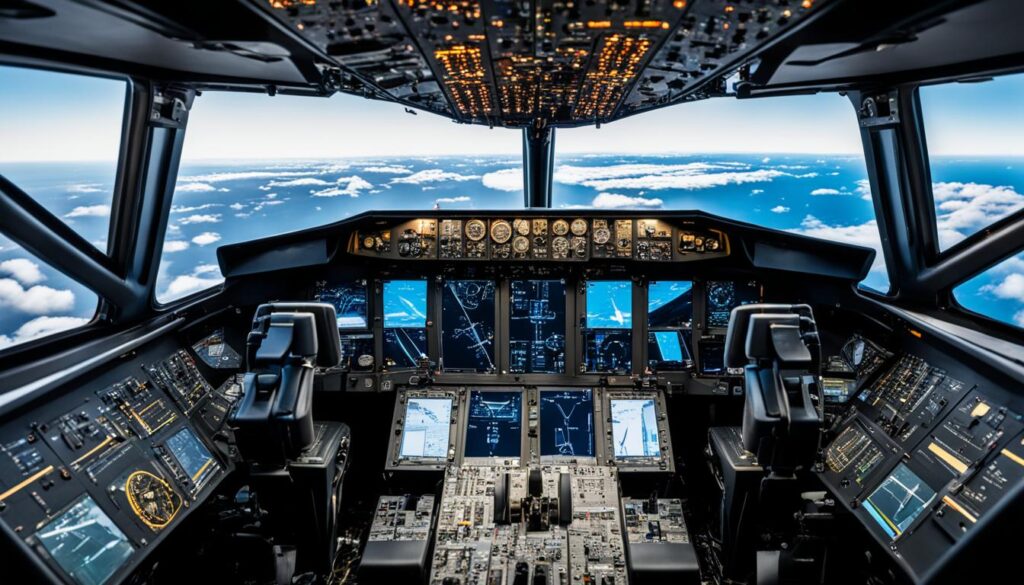
“Avionics technology has evolved, with many aircraft now equipped with ‘glass’ cockpits — featuring computer monitors instead of analog displays.”
The Physical Feel: What Flight Sims Can’t Replicate
Flight simulators give a vivid simulation, but they can’t match the real feel of flying a real aircraft. The shaking when you start the engines, the change in weight during flight, or the slight shake when landing – these are real experiences missing in simulators.
Simulators may look and feel like real aircraft, but they don’t offer the same real-world experience. Think of your simulator as another unique aircraft, needing you to adjust to flying a real plane’s physical sensations.
Simulators are great for learning to fly by instruments and control aircraft, but they struggle with visual flying. This is true for visual approaches and circling, lacking in realistic visual cues. Skills like handling distractions, stress, and fear are crucial for pilots. Real-life scenarios test a pilot’s decision-making skills better than simulators.
Training programs use simulators for simple skills and real aircraft for harder skills. This mix is key for effective learning.
“The U.S Federal Aviation Administration defines a full flight simulator (FFS) as a full-motion hyper-realistic device designed to replicate a specific make and model of aircraft exactly, used for pilot type rating training for large or turbine aircraft.”
Simulators are valuable for training, but the real experience and adaptations needed for flying a real plane can’t be replicated. Understanding the limits of flight simulators is crucial for becoming a skilled pilot.
Airplane Controls for PC: Mastering Setup
Yokes, Throttles, and Rudder Pedals
Choosing the right controls for your PC flight simulator can greatly improve your flying experience. You might use a yoke, throttles, and rudder pedals to mimic real aircraft controls. These tools help you build muscle memory and make flying feel more real.
Building a Realistic Cockpit Experience
To make flying more immersive, consider adding more panels and displays to your setup. This makes your cockpit look and feel more like the real thing. It also helps you get ready for real-world flying challenges.
Finding the right balance in your flight simulator setup is key. You can go for a simple yoke and throttle or a full cockpit setup. The aim is to create an environment that helps you learn and remember flying skills for both virtual and real flights.
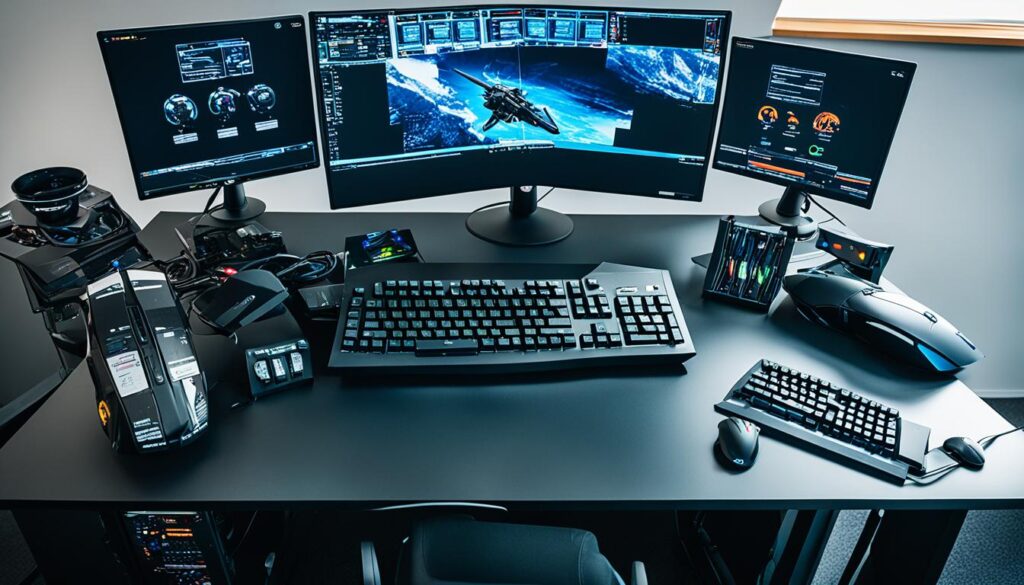
“The more realistic your setup, the more immersed you’ll feel in the virtual flying experience.”
Flight Time Logging and Regulations
As an aspiring pilot, knowing the rules about logging flight time is key. Hours logged on non-certified simulators at home don’t count towards your real pilot certification. The FAA and other global aviation bodies have strict rules on what counts as valid flight time for a pilot’s license.
Buying a certified flight simulator for home is expensive and often not worth it for students. Instead, talk to a local flight school about using their FAA-approved Aviation Training Devices (ATD). These can be credited towards your training.
Logging flight time is vital for staying current and getting flying jobs. To legally fly with passengers, pilots must have made three takeoffs and landings in the last 90 days. Night flights and flying tailwheel aircraft have more rules. Keeping accurate flight logs is key for recording your flying experience.
The FAA has strict rules for logging flight time. These rules cover when you can log pilot-in-command time, safety pilot requirements, and cross-country flight criteria. It’s important for pilots to follow these rules to make sure their flight time counts towards their certification.
| Regulation | Description |
|---|---|
| 14 CFR § 61.51(e)(1) | Outlines the circumstances under which a pilot can log pilot-in-command flight time for various pilot certificates, such as sport, recreational, private, commercial, or airline transport pilot. |
| 14 CFR § 91.109(c)(1) | Specifies the requirements for a safety pilot to operate in simulated instrument conditions, enabling them to log pilot-in-command time. |
| 14 CFR § 61.57(b) | Establishes the time frame during which night landings can be logged for currency, from 1 hour after sunset to 1 hour before sunrise. |
| 14 CFR § 61.1(b)(3)(i) | Defines cross-country flight as landing at a point other than the departure point and using specific navigation systems for navigation. |
| 14 CFR § 61.1(b)(3)(ii) | Sets the distance requirement for cross-country flights for private, instrument, or commercial pilot training at a straight-line flight of at least 50 NM. |
By following these FAA rules, pilots can make sure their flight time is logged correctly. This is true whether they’re using home simulators, certified devices, or actual aircraft.

Bridging the Gap Between Sim and Reality
Flight simulators are very close to real flying, but they can’t match the real feel and depth perception of flying a real plane. Full-motion simulators used by airlines are the closest, but most home setups can’t fully match the real experience.
Home flight simulators are great for learning and practicing, but they have limits. You’ll notice these differences when you switch from the virtual to the real world. The physical feedback and sensations in real flying are hard to get in home setups.
The Limitations of Home Flight Simulators
- Limited motion and visual cues: Home flight simulators often lack the full-motion experience and realistic visuals found in professional-grade simulators used by airlines and flight schools.
- Lack of physical feedback: The tactile sensations and g-forces experienced in an actual aircraft are difficult to replicate in a home setup, making it harder to develop the muscle memory and instincts needed for real-world flying.
- Differences in control systems: The physical controls in a home simulator may not match the exact feel and responsiveness of the controls in a real airplane, creating a disconnect in the transition to the actual aircraft.
- Simplified environments: Home simulators may not accurately replicate the complex airspace, weather conditions, and air traffic scenarios encountered in real-world flying, limiting the transferability of skills.
To bridge the gap between simulation and reality, it’s key to add real-world flying experience under a qualified instructor’s guidance. This helps develop the skills needed for a smooth transition to flying in the real world.
“Simulation is crucial for developing autonomous algorithms due to its ability to detect and resolve issues before deployment, thereby reducing costs and ensuring safety.”
| Characteristic | Full-Motion Simulators | Home Flight Setups |
|---|---|---|
| Motion and Visual Cues | Highly realistic, closely matching real aircraft | Limited motion and visual fidelity |
| Physical Feedback | Accurate tactile sensations and g-forces | Lack of physical cues and sensations |
| Control Systems | Identical to real aircraft controls | Varying levels of control realism |
| Environmental Replication | Highly detailed airspace and weather conditions | Simplified environments |
Home flight simulators are useful for training, but they have limits that make moving to real flying hard. By knowing these limits and adding real flying experience, pilots can bridge the gap between the virtual and real world.
Conclusion
Flight simulators are key for those who want to be pilots. They offer a safe way to learn flying basics, practice, and get important skills. You can get better at flying and talk to virtual air traffic control. Simulators help you get ready for real flying by mixing virtual and real experiences.
With the right setup and practice, you can improve your flying skills a lot. This technology changes how we learn to fly, making it more effective.
For both new and experienced pilots, flight simulators are a great tool. They let you practice flying safely and cheaply. You can learn about flying, explore flight, and get ready for real flying.
By learning how to control the plane, navigate, and talk to air traffic control, you’ll become more confident. You’ll be ready for the challenges of flying.
As you keep learning with flight simulators, remember that what you learn now can help you later. Keep practicing and exploring what flight simulators offer. The sky is yours to explore, and your training is just the start of a great journey.
FAQ
What are the benefits of using flight simulators for learning to fly?
How can flight simulators help me master basic flight maneuvers?
How do flight simulators help with practicing flight procedures?
How can flight simulators help me master the art of landing?
How do flight simulators help with communicating with Air Traffic Control (ATC)?
How can flight simulators help me learn aircraft systems and avionics?
What are the limitations of flight simulators compared to real-world flying?
How can I set up realistic airplane controls for my PC flight simulator?
Do the hours I log on a home flight simulator count towards my pilot certification?
Source Links
- https://pilotinstitute.com/flight-simulator-setup/
- https://flightsimcoach.com/blog/can-you-learn-to-fly-using-a-flight-simulator/
- https://forums.flightsimulator.com/t/best-add-on-activities-to-truly-learn-and-practice-small-single-engine-ac-ie-cs172/552373
- https://flightsimassociation.com/guides/getting-started/simulator-setup
- https://forums.flightsimulator.com/t/how-do-you-practice-approaches-and-landing/605595
- https://www.learnthefinerpoints.com/articles/mastering-crosswind-landings-in-a-cessna-172-part-1
- https://forums.flightsimulator.com/t/how-useful-are-flight-sims-for-learning-to-fly-actual-planes/601915
- https://pilotworkshop.com/products/getting-started-with-simulation/
- https://iflyamerica.org/safety_improve_aviation_communication_with_virtual_reality.asp
- https://www.redbirdflight.com/landing/live-air-traffic-control-on-home-flight-simulator
- https://forums.flightsimulator.com/t/multiplayer-and-atc/499921
- https://firstflightaviation.com/avionics-101-here-are-the-basics/
- https://www.avbuyer.com/articles/business-aviation-avionics/how-avionics-interface-with-the-aircraft-s-systems-113194
- https://www.airliners.net/forum/viewtopic.php?t=749107
- https://www.skycombatace.com/blog/flight-simulators-cant-do
- https://www.x-plane.com/manuals/desktop/
- https://www.gamepressure.com/enlisted/aircraft-tips-controls/zdea3d
- https://www.aopa.org/training-and-safety/learn-to-fly/old-pages/logging-cross-country-time/logbooks-and-logging-time
- https://www.gleimaviation.com/2018/06/29/logging-flight-time/
- https://www.mdpi.com/2226-4310/10/9/814
- https://www.d-box.com/en/blog/bridging-the-gap-between-book-and-aircract-true-course-simulations
- https://en.wikipedia.org/wiki/Aircraft_flight_control_system
- https://geofs.fandom.com/wiki/Tutorials/Controls