
As a passionate PC gamer, I’ve learned that the right controller changes everything. It brings precision and immersion to your Steam games. The controller you pick can make a huge difference in how you play.
In this guide, I’ll show you the top controllers for Steam games. They’ll make your gaming better, whether you’re into action, racing, or adventure games. You’ll find the perfect controller for your needs and budget.
Let’s check out the best controllers for Steam games. They offer great performance, comfort, and lots of features. Get ready for a gaming experience you’ve never had before.
Key Takeaways
- Discover the ultimate Steam gaming controllers that offer unparalleled performance, comfort, and customization
- Explore a diverse selection of controllers, from the best overall choice to budget-friendly and premium options
- Learn about the latest advancements in controller technology, including haptic feedback and adaptive triggers
- Understand the importance of factors like connectivity, ergonomics, and advanced features when choosing the perfect controller
- Ensure seamless integration with your Steam gaming setup and enjoy a truly immersive experience
Introduction to PC Gaming Controllers
In the world of PC gaming, the humble controller is key to a great gaming experience. It offers comfort, precision, and quick responses. This lets players dive deep into their favorite games. Whether you’re fighting in a first-person shooter, planning strategies in a strategy game, or racing fast, the right controller changes the game.
The Importance of a Good Controller
A well-designed PC gaming controller is crucial. Games that need quick reflexes or fast action work best with gamepads. They offer control and speed that keyboards and mice can’t match. Games like Soulslike titles and racing games also benefit from controllers, making the game more intuitive and engaging.
Factors to Consider When Choosing a Controller
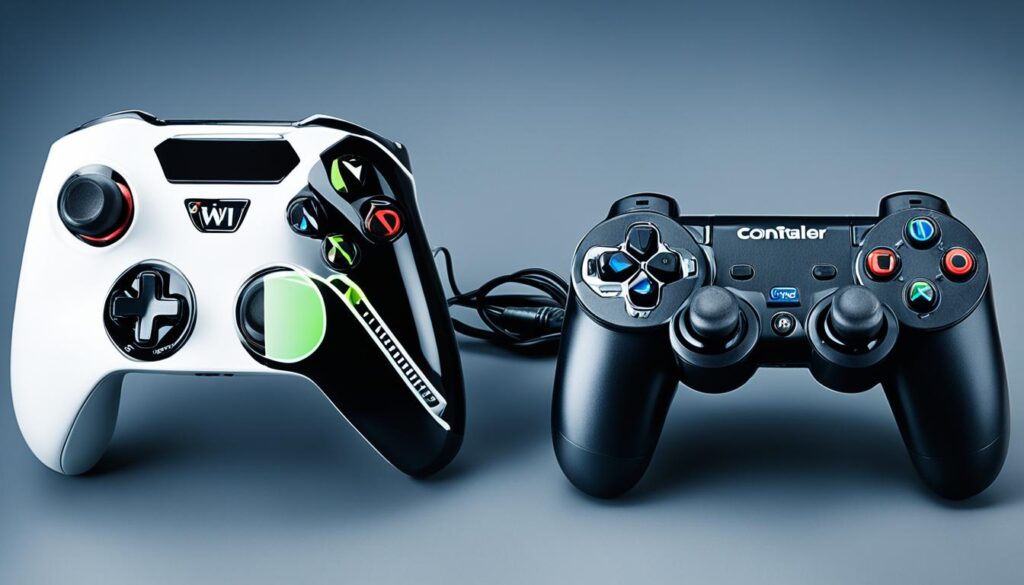
- Connectivity: Wired or wireless, each has its pros and cons.
- Ergonomics: Comfort and grip are key for long gaming sessions.
- Advanced Features: Back buttons, trigger locks, and customization can improve your gameplay.
- Compatibility: Making sure it works well with your PC and Steam is important.
When picking a PC gaming controller, think about these factors to find the best one for you. Whether you’re serious about gaming or just play for fun, the right controller can enhance your experience.
Xbox Wireless Controller: The Overall Best Choice
The Xbox Wireless Controller is the top pick for Steam games. It has a great mix of features, compatibility, and ways to connect. This makes it a top choice for PC gaming fans.
Features and Benefits
This controller has a design that fits well in your hand and textured grips for a secure hold. It has a responsive D-pad, precise sticks, and well-placed buttons. These features work together for great control and accuracy. You can choose between a rechargeable battery or AA batteries for power.
Compatibility and Connectivity Options
The Xbox Wireless Controller works well with many PC games on Steam. You can play games wired or wirelessly. It connects to your PC via Bluetooth or a USB-C cable for a smooth gaming experience. Its many ways to connect make it great for Steam gamers who want flexibility and ease.
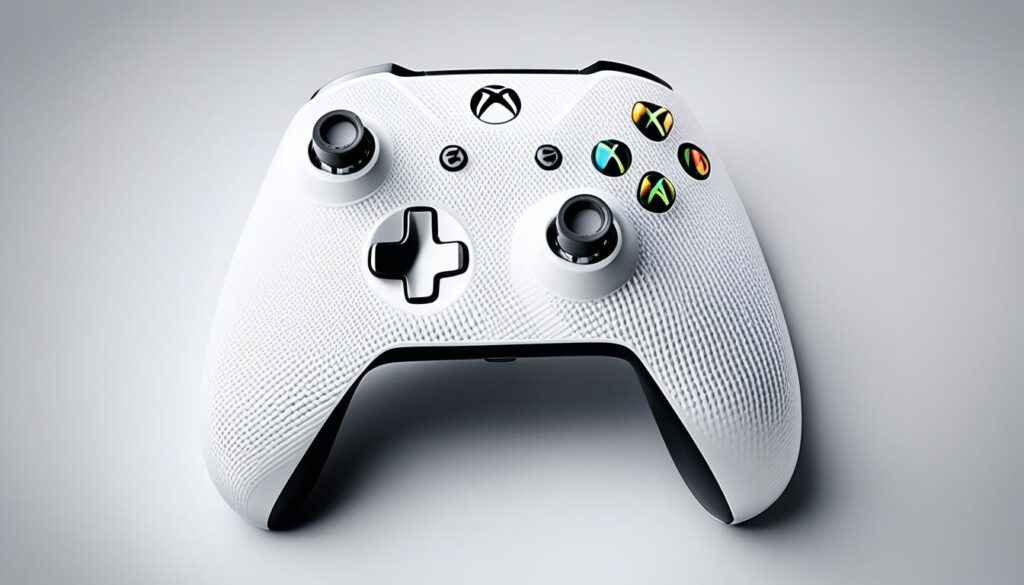
The Xbox Wireless Controller is the best choice for Steam games. It offers comfort, great performance, and easy integration with many PC games. This makes it a favorite among PC gamers.
HyperX Clutch Gladiate: Budget-Friendly Excellence
For PC gamers on a tight budget, the HyperX Clutch Gladiate is a great choice. This wired budget pc gaming controller is light and comfy, with textured grips for a better grip during games.
It costs about $35, but doesn’t lack features. You get pro-level stuff like remappable back buttons and trigger locks. This lets you make your gaming just how you like it.
It’s super light at just 8.7 ounces. The HyperX Clutch Gladiate is easy to carry and fits well with your PC setup. It’s perfect for both new and experienced gamers who don’t want to spend a lot.
This controller is all about comfort, performance, and affordability. It’s a great upgrade from a basic controller without costing too much. The HyperX Clutch Gladiate stands out in the hyperx clutch gladiate market with its great features and value.
| Controller | Price | Features |
|---|---|---|
| HyperX Clutch Gladiate | $35 | Wired, Remappable back buttons, Trigger locks |
| Microsoft Xbox Wireless Controller | $46-$64 | Wireless, 40-50 hour battery life, 8.7 ounces |
| Xbox Elite Series 2 | $180 | Wireless, Customizable, Premium build quality |
| 8BitDo Ultimate Controller | $20-$50 | Wired and wireless options, Customizable |
| GameSir T4 Kaleid | $30 | Wired, Mechanical face buttons, Pro-level features |
“The HyperX Clutch Gladiate is a fantastic choice for budget-conscious PC gamers who want a high-quality controller without breaking the bank.”
The HyperX Clutch Gladiate is a top pick for those on a budget. It has great features, is comfy, and is very affordable. It’s a smart choice for gamers wanting to improve their experience without spending a lot.
Xbox Elite Series 2: The Ultimate Pro Controller
For PC gamers looking for a top-notch, customizable controller, the Xbox Elite Series 2 is the top pick. It offers a wide range of customization options. You can change the joysticks, paddles, and even the trigger locks.
This controller is known for its high-quality build and long-lasting performance. It has a strong metal body and a battery that lasts up to 40 hours on one charge. It’s made to give gamers a great experience over many gaming sessions.
Customization Options
The Xbox Elite Series 2 is all about customization. You can swap out the joysticks, D-pad, and paddles to match your gaming style. It also has adjustable trigger locks and sensitivity settings for better control and quick reactions.
With these options, PC gamers can make the Xbox Elite Series 2 their own. It helps them get ahead in their favorite games. Whether you’re into FPS or strategy games, this controller can be customized for you.
Premium Build Quality and Performance
The Xbox Elite Series 2 is built to last. It has a metal frame and quality parts that can handle intense gaming. The rechargeable battery gives you up to 40 hours of playtime, so you can game all day.
This controller performs amazingly, with great responsiveness and precision. The customizable joysticks and trigger locks mean you can aim and shoot with accuracy. The paddles add more control options for a deeper gaming experience.
Whether you’re a pro gamer or just play for fun, the Xbox Elite Series 2 is the best pro PC controller. It offers amazing customization and top performance. Its high-quality build and features make it a top choice for PC fans.
| Controller | Rating | Price |
|---|---|---|
| Xbox Elite Wireless Controller Series 2 | 4.5 | $144.99 (original price $179.99) |
| Nintendo Switch Pro Controller | 4.0 | $60 – $70 |
| Sony PlayStation DualSense Edge | 4.0 | $199.99 |
8BitDo Ultimate Controller: Versatile Connectivity
For PC gamers looking for a versatile controller, the 8BitDo Ultimate Controller is a top choice. It connects to your PC via USB-C, wireless with a USB dongle, or Bluetooth. This ensures a smooth setup.
Multiple Connectivity Options
The 8BitDo Ultimate Controller is known for its versatility. It offers three ways to connect: Bluetooth, wireless USB dongle, or wired USB-C. This means you can choose the best option for your setup.
Comfort and Customization
The 8BitDo Ultimate Controller is also great for comfort and customization. Its design and joysticks make gaming comfortable for long periods. You can also customize the buttons and joystick settings with the Ultimate Software.
Whether you’re a casual or serious gamer, the 8BitDo Ultimate Controller is a great pick for PC gaming. It has versatile connectivity, customizable features, and an ergonomic design.
The 8BitDo Ultimate Controller is a versatile and customizable PC controller. It offers many connectivity options for a smooth gaming experience. Its features and comfort make it a top choice for Steam games and more.
GameSir T4 Kaleid: Style and Substance on a Budget
For PC gamers on a budget, the GameSir T4 Kaleid is a great choice. It has a unique look with RGB lights, making it stand out. It’s not just about looks; it also has pro-level features and boosts your gaming performance.
Unique Design and RGB Lighting
The GameSir T4 Kaleid has a see-through body and bright RGB lights, making it eye-catching. You can set the RGB lights to match your gaming setup or show off your style. It looks modern and sleek, making it a great addition to your gaming area.
Pro-Level Features at an Affordable Price
Under its cool design, the GameSir T4 Kaleid has top-notch features like mechanical buttons and customizable joysticks. It’s a budget-friendly option that performs like pricier controllers, offering great value for PC gamers.
The GameSir T4 Kaleid is a budget-friendly controller that can improve your PC gaming. It’s perfect for those who want a stylish and functional controller without spending a lot.
Best Controller for Steam Games: Top Picks
Choosing the right controller can change how you enjoy steam games. Options like the 8Bitdo Pro 2 and the Xbox Elite Wireless Controller Series 2 offer great ways to improve your gaming.
The 8Bitdo Pro 2 is a top pick with a 4.5 rating for its full features, comfy design, and support for many platforms. The Xbox Elite Wireless Controller Series 2 also scores 4.5 for its custom settings, many profiles, and smart paddle controls.
| Controller | Rating | Key Features | Price |
|---|---|---|---|
| 8Bitdo Pro 2 | 4.5/5 | Comfortable, full-featured, multiple profiles | $49.99 |
| Xbox Elite Wireless Controller Series 2 | 4.5/5 | Extensive programmability, multiple profiles, useful paddles | $144.99 |
| Hori Split Pad Pro | 4.0/5 | Comfortable grip, customizable back paddles, accurate directional pad | $42.49 |
| Nintendo Switch Pro Controller | 4.0/5 | Sturdy design, motion-sensing, Amiibo scanning | $68.49 |
For those watching their budget, the Hori Split Pad Pro and the Retro-Bit Sega 8-Button USB Arcade Pad are great choices. They offer a comfy grip and customizable paddles, and they bring back the feel of classic Sega games.
Want to make your gaming setup unique? The Xbox Design Lab lets you design your own controllers, starting at the same price as the standard ones. This way, you can show off your style.
The Steam Controller is perfect for PC gamers. It has dual trackpads, HD haptic feedback, and dual-stage triggers for precise control. It also lasts up to 80 hours on AA batteries, making it great for long gaming sessions.

No matter if you’re a casual or hardcore gamer, there’s a Steam controller out there for you. Check out the options, think about what you like, and find the controller that makes your games more immersive and fun.
Wired vs. Wireless: Choosing the Right Connection
Choosing a PC gaming controller means deciding between wired or wireless options. Each has its own benefits. Knowing these can help you pick the best one for your gaming style and needs.
Advantages of Wired Controllers
Wired controllers are cheaper because they don’t need batteries or wireless tech. They connect right away, without the hassle of Bluetooth pairing. This means no delays or interruptions during your game, which is great for competitive play.
Benefits of Wireless Controllers
Wireless controllers let you move around freely without being tied down by cables. They also keep your gaming area tidy by removing cables. Even though they might cost more at first, they work with different devices like PCs, consoles, and mobiles.
But, wireless controllers might have delays, especially with third-party brands, which could affect your game. They also need batteries that need to be charged, unlike wired ones that don’t.
So, the choice between wired and wireless controllers depends on what you value most in gaming. Wired controllers are reliable and save money. Wireless ones offer more freedom and convenience but might need extra care, like checking the battery.
Ergonomics and Comfort: Key Considerations
For PC gaming, ergonomics and comfort are key. The right ergonomic pc controllers and comfortable pc gaming controllers can change your gaming. They prevent fatigue and let you play longer without pain.
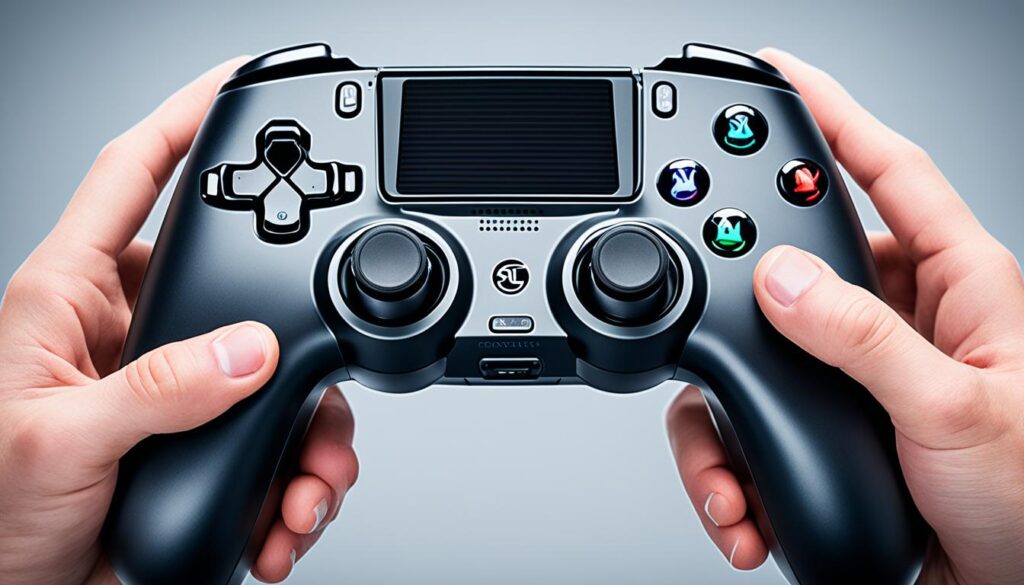
Grip design, button placement, and weight balance are key to comfort. A good controller fits your hand well. It has buttons and triggers easy to reach, reducing finger and wrist strain.
The Xbox Elite Wireless Controller Series 2 Core is known for its great ergonomics. It has up to 40-hour battery life and lets you customize it for a better fit. The 8Bitdo Ultimate Wired Xbox Controller also has remappable buttons and more, making gaming comfy and personal.
Your PC gaming setup also affects your comfort. Good posture, adjustable chairs, and ergonomic accessories like wrist rests help. They make gaming more comfortable and sustainable.
Choosing the right ergonomic pc controllers and setting up your space right can greatly improve your gaming. By focusing on ergonomics, you can play your favorite PC games comfortably without strain.
“A good chair with adjustable settings is a crucial investment to support comfortable and ergonomic seating during extended gaming sessions.”
Advanced Features: Back Buttons, Trigger Locks, and More
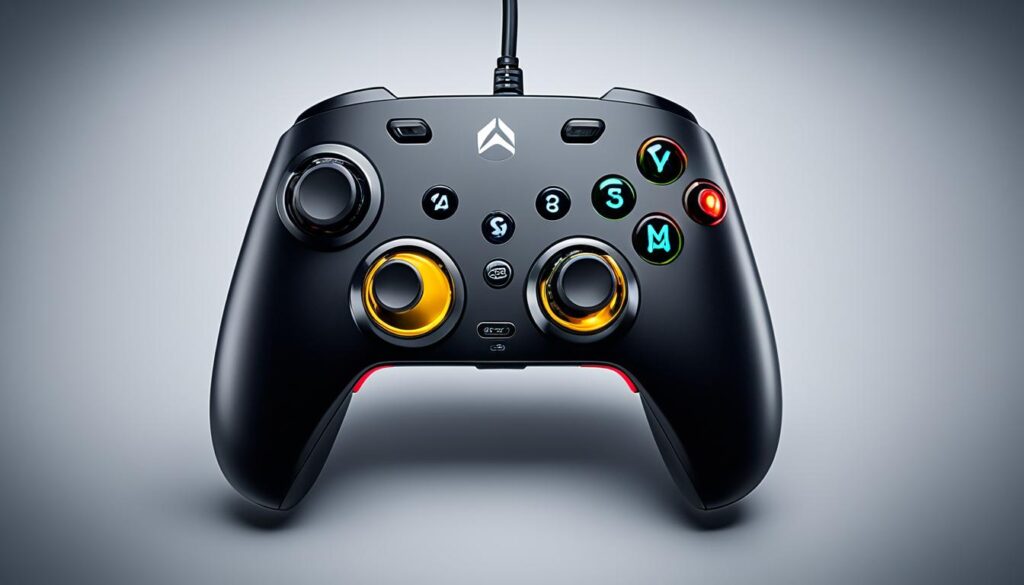
Advanced controller features can change the game for PC gamers. Features like back buttons, paddles, trigger locks, and hair triggers boost accessibility and speed. They’re key for winning in various games.
Back Buttons and Paddles
Back buttons and paddles let you use important functions without moving your thumbs. This is a big deal for complex moves or key actions in games. You can set these inputs yourself, making your controller fit your style. This gives you an edge over others.
Trigger Locks and Hair Triggers
Trigger locks and hair triggers improve your aim. They let you adjust how far the triggers move, which is great for fast games. This can mean the difference between a hit or a miss, making you a better gamer.
When picking a PC gaming controller, look for these features. They add a new level of control and customization. This lets you dominate games and improve your skills.
| Controller | Price | Advanced Features |
|---|---|---|
| Microsoft Xbox Elite Series 2 | $179 | Back buttons, trigger locks, customizable components |
| PowerA Fusion Pro 2 | $70 | Back paddles, trigger locks |
| HyperX Clutch Gladiate | Budget-friendly with adjustable trigger stops | Trigger locks |
| GameSir T4 Kaleid | $42 | Pro-level features at an affordable price |
| Flydigi Apex 2 | $94 | Back buttons, trigger locks |
| Razer Wolverine V2 Pro | $250 | Back buttons, trigger locks, customizable components |
| Victrix Pro BFG | Premium controller with hot-swappable modules | Back buttons, customizable components |
| 8Bitdo | Known for cross-platform compatibility | Back buttons, trigger locks |
“Advanced controller features like back buttons, trigger locks, and hair triggers can truly elevate your PC gaming experience, giving you a competitive edge and unlocking new levels of control and precision.”
Compatibility: Ensuring Seamless Integration with Steam
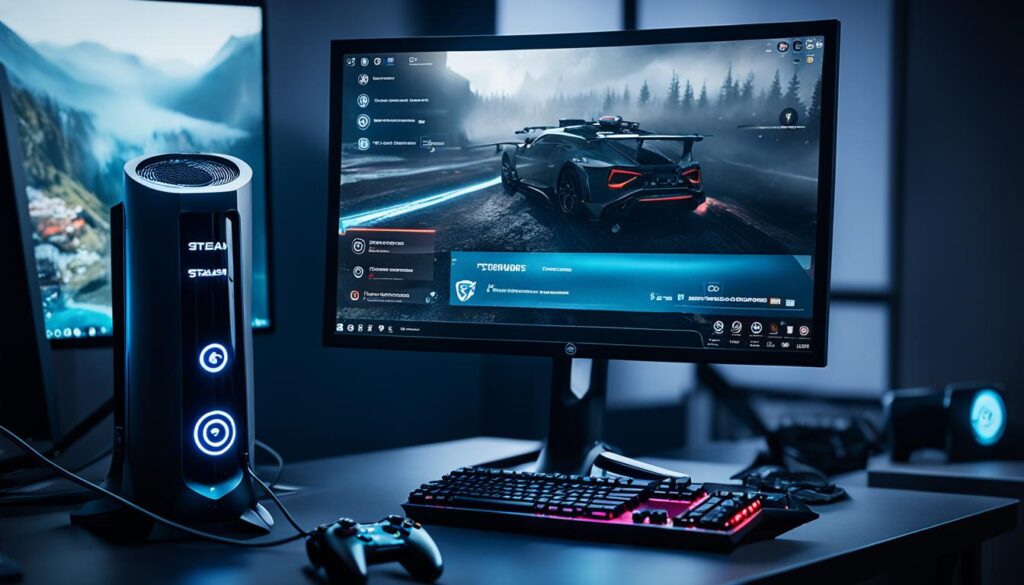
For PC gaming, making sure your controller works well with Steam is key for a great gaming experience. Steam sees 60% of game sessions with Xbox controllers and 27% with PlayStation controllers each year. This shows how important it is for PC gamers to have good controller support on Steam.
Steam supports many controllers, both wired and wireless. Over 3 billion game sessions with controllers happened on Steam by November 2023, up from 990 million four years before.
- Steam’s input API lets developers add support for PlayStation controllers easily.
- The original PlayStation 4 controller is loved for its comfort, durability, and precise controls.
- Setting up the PS4 controller on Steam and PC is easy, with most games recognizing it right away.
Even though keyboard and mouse are still popular, 12% of gamers use a controller regularly. Steam’s strong support for controllers means gamers can have a great experience with precise control. Choosing a Steam-compatible controller lets you play PC games with console-level control.
Steam’s growing controller use shows the platform’s commitment to diverse gaming. Whether you’re an Xbox or PlayStation fan, or just want a comfy controller, Steam makes sure you can find the right one for your games.
Conclusion
Choosing the best controller for Steam games is key to a better gaming experience. You might pick the Xbox Wireless Controller, the HyperX Clutch Gladiate, or the Xbox Elite Series 2. The right controller can change how you play PC games.
Think about connectivity, how it feels in your hands, special features, and if it works with your Steam games. Some might find the Steam Controller hard to get used to at first. But, it’s made for certain types of games and lets you customize it a lot. Whether it’s good or not depends on what you like, with some loving its unique design and others sticking to the Xbox controller.
Since 2015, over 30 million players have linked a controller to Steam, and now 60 million devices are connected. If you’re into PC gaming or just starting, getting the right controller can make your experience better. This article helps you pick the best controllers for steam games and top pc gaming controllers for your Steam adventures.
FAQ
What are the key factors to consider when choosing a PC gaming controller?
What is the best overall choice for a PC gaming controller?
What are some budget-friendly options for PC gaming controllers?
What are the benefits of a wired vs. wireless PC gaming controller?
What advanced features should I look for in a high-performance PC gaming controller?
How important is compatibility with the Steam platform when choosing a PC gaming controller?
Source Links
- https://www.techradar.com/best/best-pc-controllers
- https://www.businessinsider.com/guides/tech/best-pc-controller-for-gaming
- https://www.ign.com/articles/best-pc-controller
- https://gamerant.com/pc-games-better-with-controller/
- https://www.eurogamer.net/digitalfoundry-2016-pc-game-controller-guide
- https://www.tomsguide.com/gaming/pc-gaming/i-just-found-my-new-favorite-pc-controller-this-changes-everything
- https://www.techradar.com/best/the-best-xbox-controllers-in-2023
- https://www.theverge.com/23025443/best-xbox-controllers-one-series-x-s
- https://www.nytimes.com/wirecutter/reviews/best-pc-gaming-controller/
- https://www.tomsguide.com/best-picks/best-pc-game-controllers
- https://www.pcmag.com/how-to/how-to-choose-the-right-game-controller-for-your-pc
- https://www.techradar.com/versus/dualsense-edge-vs-xbox-elite-controller-series-2-which-is-the-best
- https://www.8bitdo.com/ultimate-bluetooth-controller/
- https://www.businessinsider.com/guides/tech/8bitdo-ultimate-controller-review
- https://www.amazon.com/GameSir-Transparent-PC-Controller-Joystick-Triggers/dp/B0C14SZG16
- https://knowtechie.com/review-gamesir-t4-kaleid-gaming-controller/
- https://www.pcmag.com/picks/the-best-video-game-controllers
- https://store.steampowered.com/app/353370/Steam_Controller/
- https://gamerant.com/wired-vs-wireless-controller-which-is-better-for-gaming/
- https://gamingcontrollers.tech/wired-vs-wireless-controller/
- https://www.polygon.com/23550861/gaming-with-chronic-pain-best-controller-chair-peripherals
- https://www.cnn.com/cnn-underscored/reviews/best-controller-for-pc-gaming
- https://www.tomsguide.com/opinion/im-on-a-quest-to-find-the-perfect-pro-controller-but-theres-one-killer-feature-many-are-missing
- https://www.powera.com/p/xbox/xbox-series-xs/controllers/wired/advantage-wired-controller-for-xbox/
- https://www.tomshardware.com/news/steam-finally-adds-official-support-for-dualshock-and-dualsense-controls-lists-specific-controller-support-for-games
- https://yiwuzhouke.chinagoods.com/news/gaming-without-limits-best-original-ps4-controller-for-steam-pc.html
- https://gamefaqs.gamespot.com/boards/163467-xcom-2/73255867?page=1
- https://store.steampowered.com/news/posts/?feed=mygames&enddate=1537895159